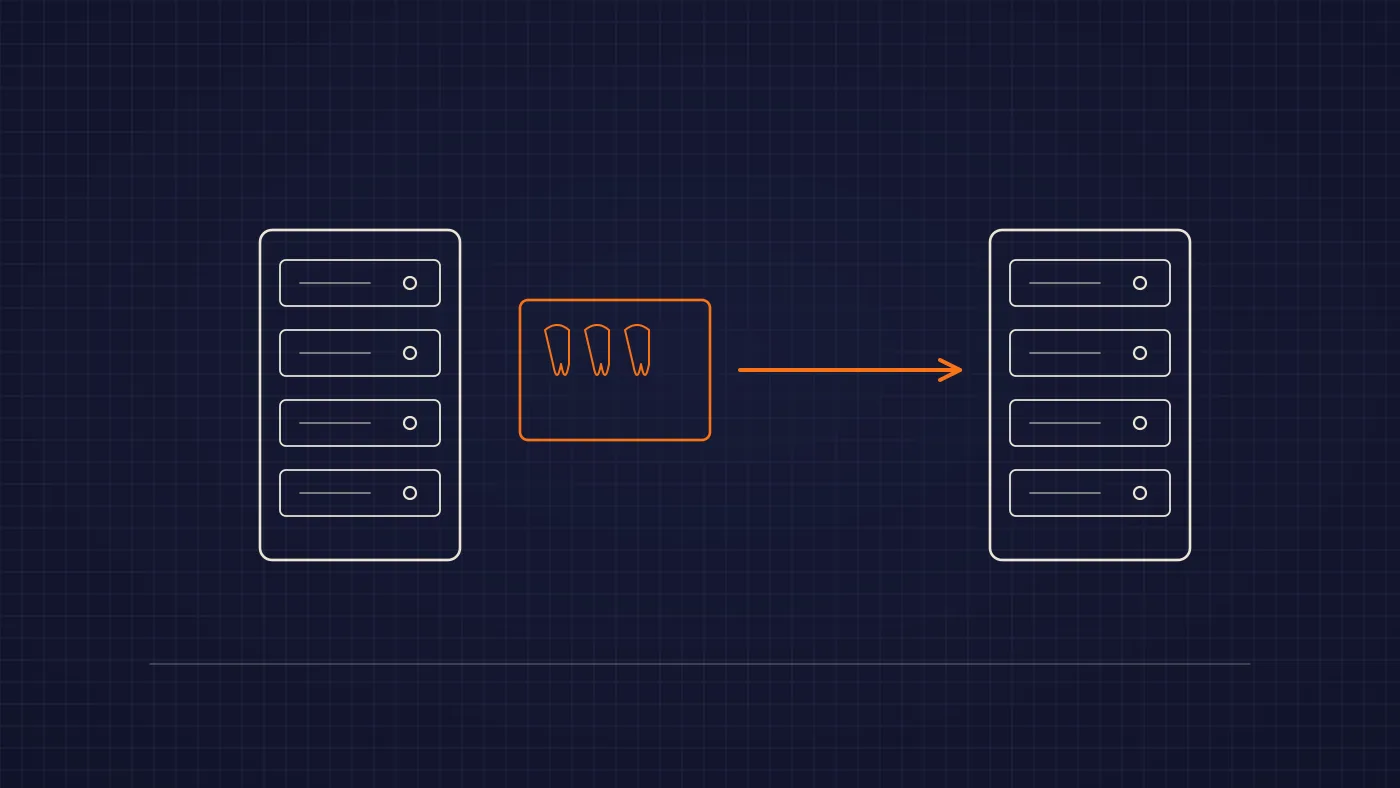
Eaglesoft, from Patterson Dental, is an on-premise system: Patterson describes it as needing a physical server that stores and manages the practice's database. Patterson Dental: Eaglesoft Open Dental also usually runs on a server in the office, so the move is mostly about data and imaging, not a whole new setup.
The part that catches Eaglesoft offices off guard is X-rays. Here's what to expect. For the general plan, see how to switch dental practice management software.
What converts from Eaglesoft
Open Dental's Eaglesoft conversion guide lists: Open Dental: Eaglesoft conversion guide
- Patients
- Insurance plans
- Payments and adjustments
- Payment plans (the outstanding contract amount)
- Practice management notes
- Treatment-planned and completed procedures, with procedure notes
- Perio charts
- Medical alerts and prescriptions
What doesn't convert
- Outstanding claims
- Preauthorizations
- Forms
- Auto notes
- Custom recall intervals
- Treatment plans as grouped plans (the planned procedures themselves come across)
Before the cutoff:
- Run an outstanding claims and preauthorization report in Eaglesoft and work those claims from it.
- Write down recall intervals and auto notes to rebuild in Open Dental.
- Save your historical reports: aging, production, collections and anything your accountant needs. Pre-conversion checklist
- Review treatment-planned procedures for your active patients in the test conversion.
X-rays: plan for a separate conversion
This is the big one. Open Dental's Eaglesoft guide says Eaglesoft's X-rays are proprietary and its X-ray software can't be bridged to Open Dental, so you need an imaging plan in place before the final conversion. Open Dental: Eaglesoft conversion guide The options it lists:
- Do Open Dental's paid image conversion so historical X-rays open in Open Dental. Mounts are generated automatically and won't look identical to Eaglesoft. Open Dental: Image conversions
- Buy new imaging software and have that vendor convert the Eaglesoft images.
- Skip the image conversion and look up older X-rays in Eaglesoft.
- If your sensors use TWAIN drivers, take new X-rays directly in Open Dental.
What that means in practice:
- Budget for the image conversion from the start.
- Decide what imaging software you'll capture new X-rays with after the switch, and make sure it bridges to Open Dental.
- Test every sensor, camera and pano with the new capture software before go-live day.
- Expect clinicians to need a little time to get used to how older images are laid out.
The conversion steps
- Free test conversion. Open Dental connects to your Eaglesoft server and pulls a copy. For a supported system, it takes a few hours. Open Dental: Test conversion
- Review it against Open Dental's checklist: at least 10 patients with balances and insurance, and your total accounts receivable.
- Book the final conversion one to two weeks out and stop entering data in Eaglesoft at the cutoff. Open Dental: Final conversion
- Final conversion, then the X-ray conversion.
- Setup and training, including the free post-conversion setup within 30 days. Open Dental: Training
Cost (as listed in November 2026)
Open Dental lists Eaglesoft data conversion at $1,450 and an Eaglesoft X-ray conversion at $1,300. Open Dental: Conversion list, Open Dental: Image conversions Check the current pages before budgeting.
The IT side
- Check whether your Eaglesoft server meets Open Dental's requirements, or whether this is the time to replace it.
- Install and test the new imaging capture software in every operatory.
- Set up backups for the new database and test a restore. Open Dental doesn't back up your data for you. Pre-conversion checklist
- If you used an Eaglesoft backup integration, replace it with a backup that covers Open Dental and the new image store.
- Keep Eaglesoft available read-only for lookups. Texas requires dental records to be kept at least five years after the last treatment. 22 Tex. Admin. Code § 108.8
Our Open Dental conversion IT checklist and Eaglesoft IT support guide go deeper.
FAQ
Can Open Dental bridge to Eaglesoft's X-rays?
No. Open Dental says Eaglesoft's X-ray format is proprietary, so the images need a separate paid conversion.
Do Eaglesoft claims transfer to Open Dental?
Outstanding claims don't. Run a report before the cutoff and work them from it.
Can I reuse my Eaglesoft server?
Often, if it meets Open Dental's current requirements and isn't near the end of its life. Have it checked before the project starts.
Sources
Related guides
How to Switch Dental Practice Management Software Without Losing a Week
Learn More