Odyssey workplace software

From new hire to documented training in one clear workflow

Give managers a practical way to organize employee onboarding, assign HIPAA training, follow progress, and keep completion records ready for review.

Employee onboarding HIPAA training Completion records
Product tour

Two focused apps built around daily work

Each app can stand on its own. Together, they give operations teams a clearer path from hiring through training and follow-up.

01 Odyssey People Operations

Know who is ready and what still needs attention

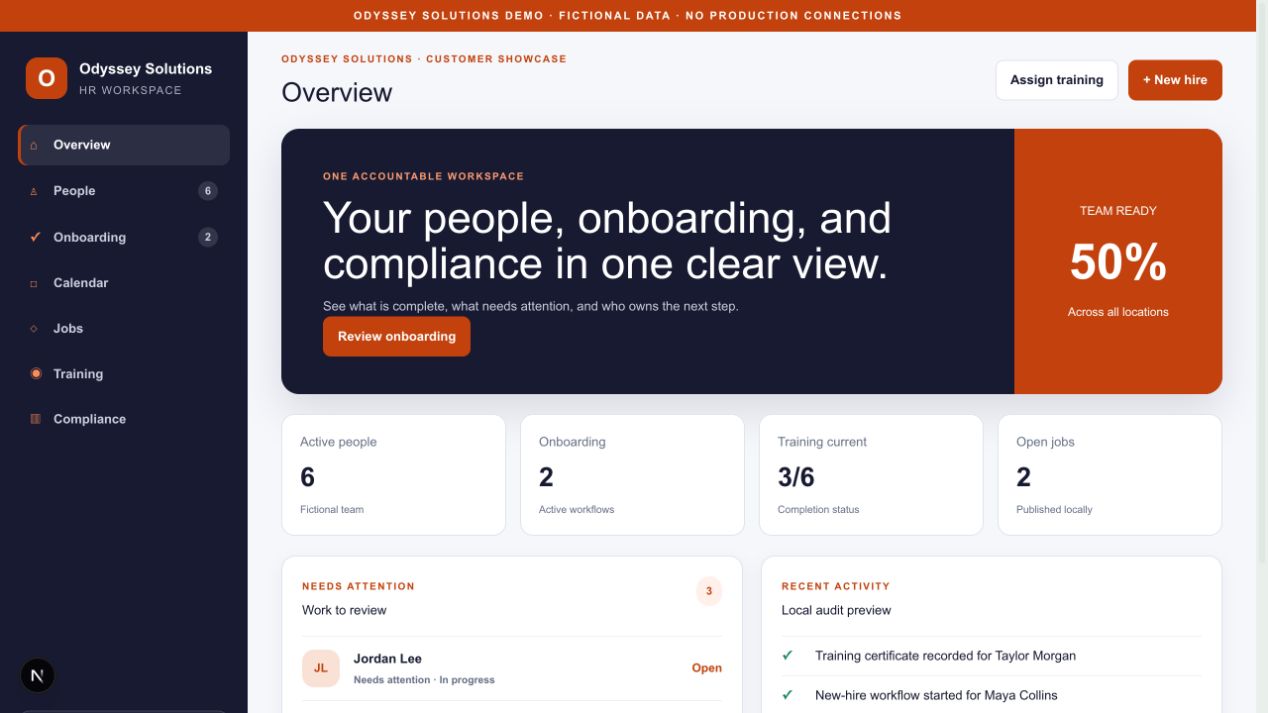
Keep employee information, onboarding tasks, documents, requests, notes, calendar events, job postings, and training status in one practical workspace.

  • Searchable employee records
  • Role-based onboarding checklists
  • Documents, acknowledgements, and notes
  • Training assignments and compliance overview
  • Local reporting and CSV export options
See People Operations in a live demo →
Odyssey People Operations dashboard showing onboarding, training, and team status
Fictional demonstration data shown. Final setup is tailored to the customer workflow.
02 Odyssey HIPAA Training

Make training easier to complete and easier to document

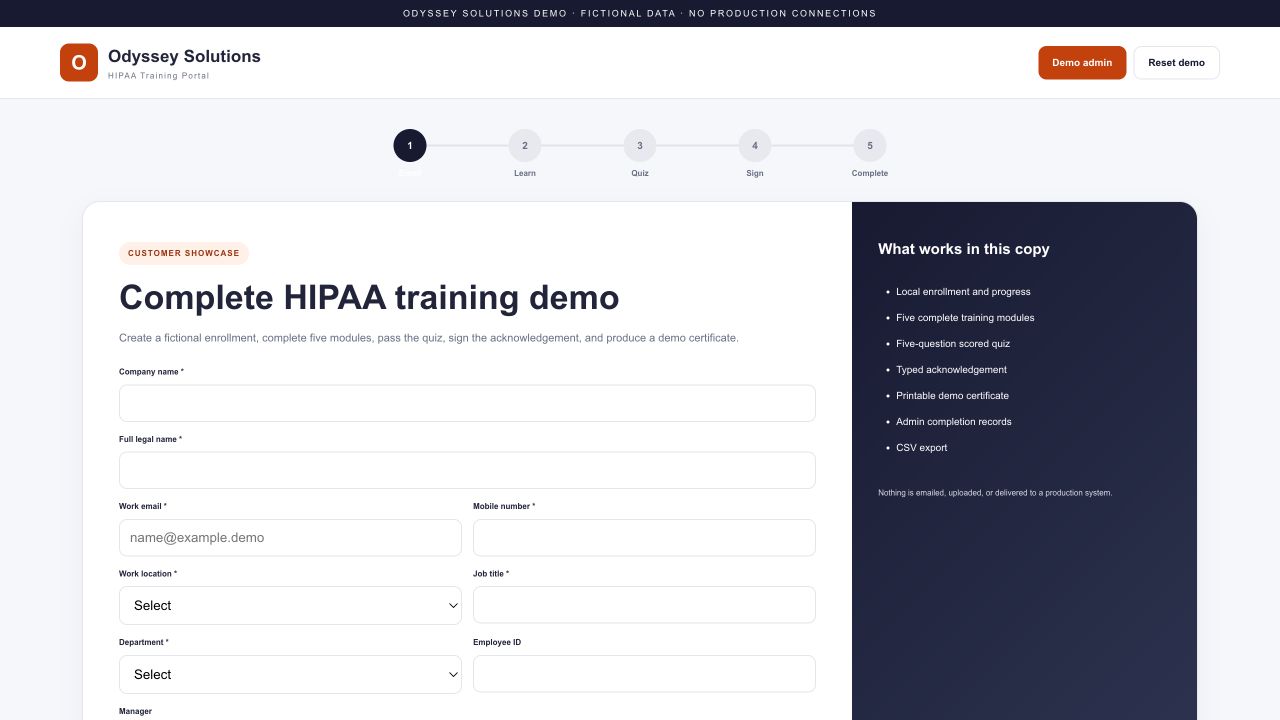
Guide each learner through enrollment, five short modules, a scored quiz, an acknowledgement, and a clearly documented completion record.

  • Company and learner enrollment
  • Five practical privacy and security modules
  • Scored knowledge check with retry support
  • Typed acknowledgement and certificate
  • Admin completion register and CSV export
See HIPAA Training in a live demo →
Odyssey HIPAA Training portal showing learner enrollment and course steps
Training supports a broader compliance program. It does not replace policies, risk analysis, or legal guidance.
What we can demonstrate

A 30-minute walkthrough built around your team

We will use fictional sample information to show the workflow without exposing customer or patient data.

01

Your onboarding flow

New-hire intake, tasks, documents, ownership, due dates, and follow-up.

02

The learner experience

Enrollment, lessons, quiz, acknowledgement, and certificate.

03

Manager visibility

Who is ready, who is overdue, and what needs attention next.

04

Configuration options

Roles, locations, terminology, branding, and reporting needs.

Practical by design

Built around the way your organization actually works

The demo helps define fit, desired integrations, security boundaries, record retention, support ownership, and the changes needed before a production rollout.

See both apps with your workflow in mind

Choose a convenient time and tell us which onboarding, training, or compliance process you want to improve.