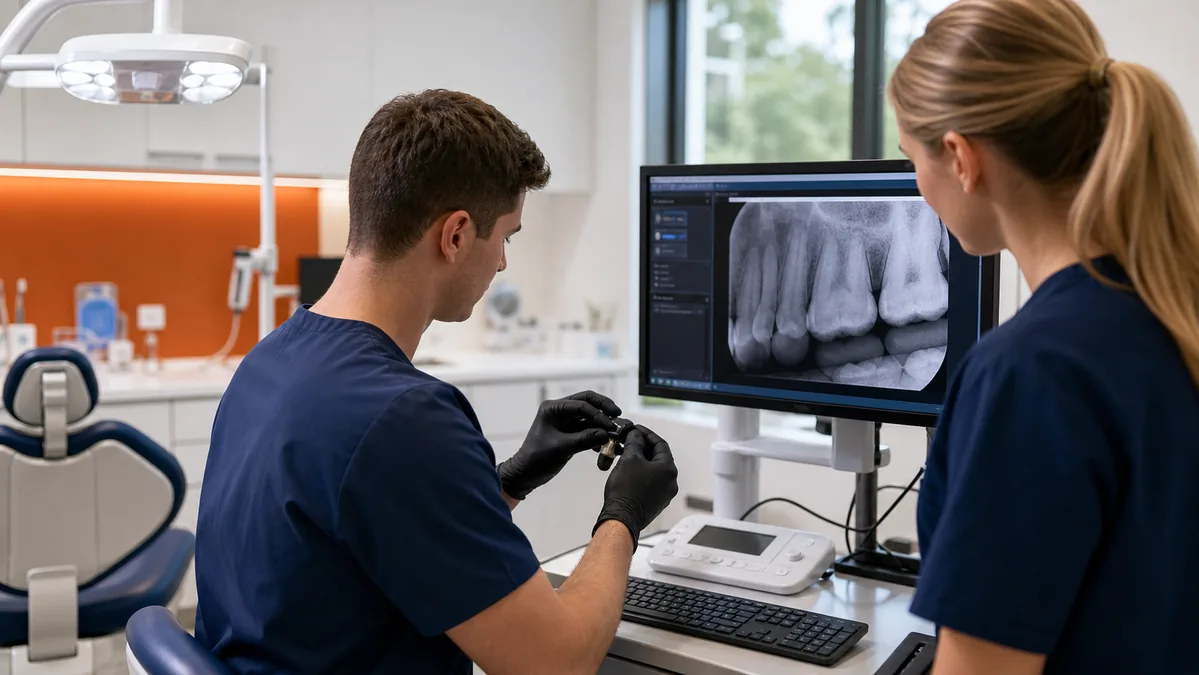
Eaglesoft is Patterson Dental's server-based practice-management platform with practice and imaging capabilities and authorized integrations. In a working dental office, its reliability depends on more than the application: server health, workstation consistency, network quality, permissions, imaging devices, backups, and vendor coordination all matter.
Build a stable technical baseline
Document the Eaglesoft version, server, database location, workstations, providers, offices, imaging components, devices, bridges, clearinghouse connections, payment systems, remote access, and responsible vendors. Compare the current environment with Patterson's current requirements before buying hardware or scheduling upgrades.
Standardize workstation operating systems, updates, local policies, display settings, printers, scanners, and user access. Intermittent name-resolution, cabling, switching, wireless, or storage problems can look like an application fault, so measure the network and server instead of guessing.
Coordinate imaging and devices
Map every sensor, scanner, camera, and imaging workstation to its software, driver, bridge, and support contact. Test image capture, retrieval, treatment-plan access, and export from the operatories that actually use them. Preserve manufacturer-approved drivers and instructions rather than applying generic updates during patient hours.
Protect access without breaking workflow
Give staff unique accounts and access based on role. Keep administrative credentials separate, remove departed users promptly, secure remote support, and document vendor access. Apply endpoint protection and patching through a tested change process that respects vendor requirements and patient schedules.
Back up for recovery
Confirm that the complete Eaglesoft data set and every required companion system are in scope. Record retention, encryption, backup-account security, failure monitoring, off-site or separated copies, and restoration steps. A successful backup notification is not proof that the practice can reopen after a server failure or ransomware event; run documented restore tests.
Plan upgrades as controlled projects
Before an upgrade, verify requirements, application and imaging compatibility, database and system backups, vendor availability, rollback decisions, and a representative workflow test. Schedule work when the practice can tolerate interruption. Afterward, validate login, schedules, patient charts, imaging, reports, claims, payments, devices, and backups before closing the change.
Create one escalation record
For every complex incident, capture time, users and locations affected, error messages, recent changes, reproduction steps, logs, contacts, and actions tried. The practice should not have to repeat the entire history to each vendor. One technical owner should track the incident until workflow is restored and the cause is documented.
Official information
Eaglesoft and Patterson are trademarks of their respective owners. Odyssey does not imply official partnership or authorization. Confirm current requirements and product support with Patterson.
Related resources