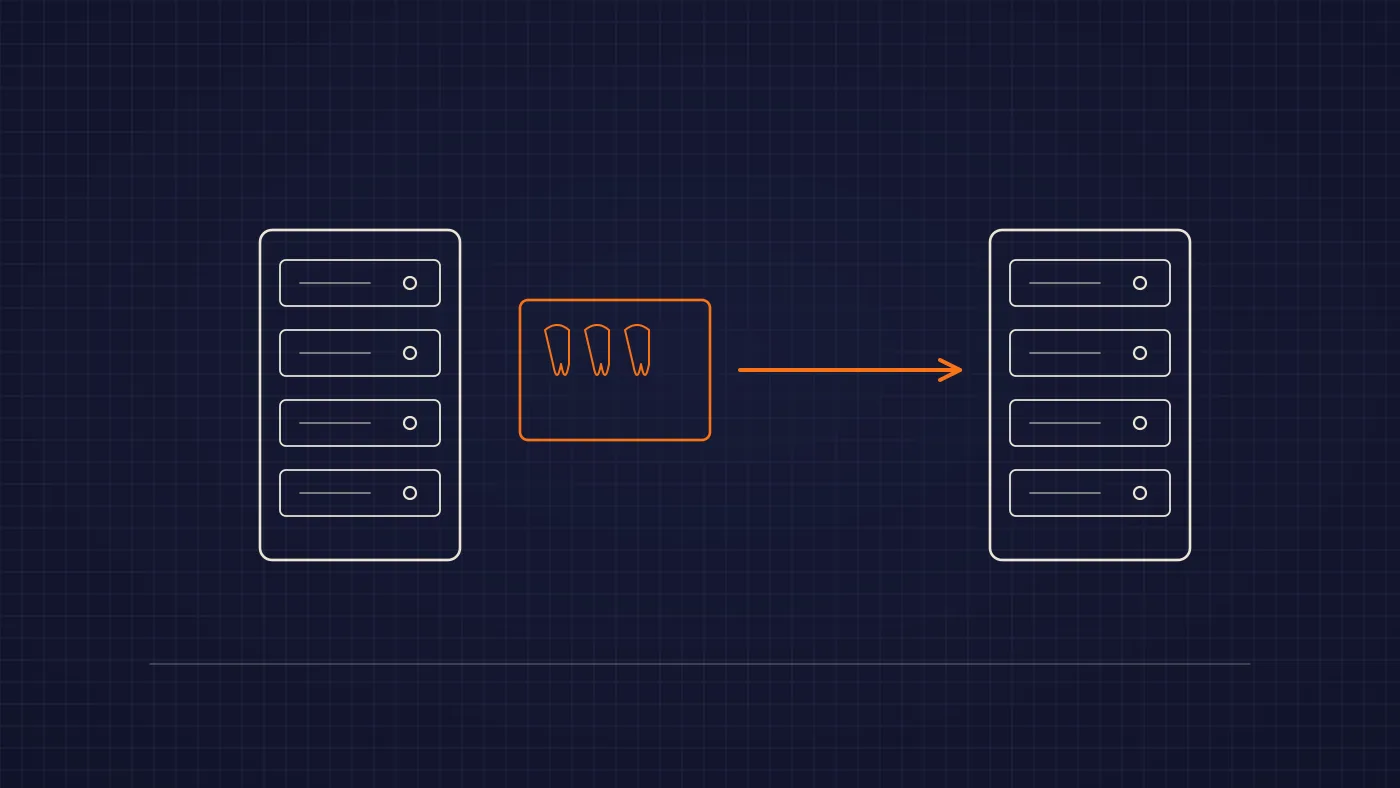
Cloud 9 is cloud orthodontic software from Planet DDS. Orthodontic practices sometimes move to Open Dental to run ortho and general dentistry in one system, or to bring their data back onto a server they control. The move works, but ortho practices have more to rebuild than general offices: contracts, payment plans and long treatment timelines don't carry over neatly.
For the general plan, see how to switch dental practice management software.
Step one: get your data out of Cloud 9
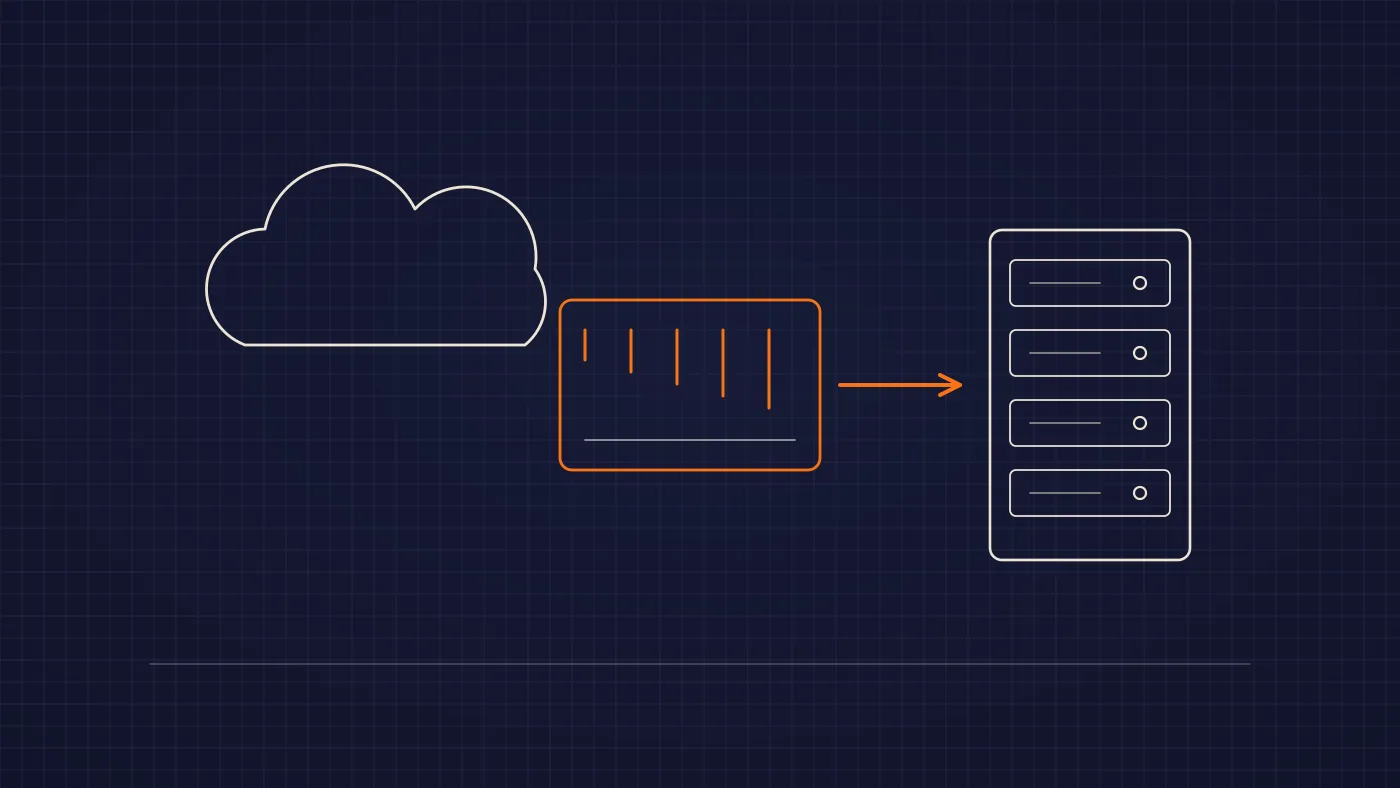
Because Cloud 9 is cloud software, Open Dental can't connect to a server in your office and pull the data. For cloud systems, Open Dental's checklist says the practice supplies a recent backup. Open Dental: Pre-conversion checklist
Before you give notice, ask Planet DDS in writing:
- What export you'll get, in what format and what it includes
- How images and documents are delivered
- What it costs and how long it takes
- When your data is deleted after you cancel
Check your own agreement too. Planet DDS's published agreements for its other cloud product, Denticon, make extracting data the practice's responsibility and delete it 30 to 90 days after termination. Planet DDS: SaaS agreement (October 2021) Don't assume Cloud 9 terms are different. Read yours.
What converts
Open Dental lists Cloud 9 as a conversion source, with data conversion listed at $1,450 and separate conversions for scanned documents and X-rays. Open Dental: Conversion list, Open Dental: Image conversions
Open Dental's published list for Cloud 9 doesn't call out ortho-specific items such as contracts, treatment progress or notes. Ask Open Dental exactly what converts from your Cloud 9 export before you commit, and check it carefully in the test conversion.
What Open Dental has for ortho
Open Dental's manual describes several ortho features you'll set up during the switch:
- Ortho Chart: a grid for tracking ortho visits, separate from the regular chart, with electronic signatures. Open Dental: Ortho Chart
- Ortho Case: banding and expected debond dates, the fee split between insurance and patient, and planned versus completed visits. It can create a linked payment plan. Open Dental: Ortho Case
- Ortho auto claims: periodic insurance claims generated on a schedule. Open Dental: Ortho auto claims
- Payment plans for patient contracts. Open Dental: Dynamic payment plans
What to save and rebuild
For every patient in active treatment, save from Cloud 9 before the cutoff:
- Contract amount, amount paid and remaining balance
- Insurance ortho benefit, amount already billed and remaining
- Banding date, expected debond date and current stage
- Payment schedule and next due date
Then rebuild each active case in Open Dental as an Ortho Case with its payment plan. It's manual work, so plan for it: a practice with a few hundred active patients should schedule this before go-live, not during it. Also save aging, collections and any reports your partners or accountant need. Open Dental: Pre-conversion checklist
The conversion steps
- Request your Cloud 9 export and confirm what's in it.
- Free test conversion using that export. Open Dental: Test conversion
- Review the test with your treatment coordinator and financial coordinator, starting with active ortho patients.
- Rebuild active ortho cases in the test or new system, following Open Dental's guidance.
- Final export, final conversion and a lighter schedule for the first week or two. Open Dental: Final conversion
The IT side: cloud to your own server
Like other cloud-to-Open Dental moves, you'll usually need a server in the office, unless you choose Open Dental's hosted cloud option, which is listed as limited release for US customers. Open Dental: Open Dental Cloud Plan for:
- A server sized for the database and years of ortho photos and X-rays
- Imaging capture software, cameras and the pano/ceph bridged to Open Dental
- Backups with a tested restore and an off-site copy
- Secure remote access for doctors and financial staff
Our Open Dental conversion IT checklist covers the full setup.
Records you have to keep
Texas requires dental records to be kept at least five years after the last treatment. For patients under 18, keep them until age 21 or five years, whichever is longer, which matters for ortho. 22 Tex. Admin. Code § 108.8
FAQ
Does Open Dental work for orthodontic practices?
Open Dental has ortho charting, ortho cases with payment plans and automatic ortho insurance claims. Whether it fits your practice depends on your workflow, so try it in the test conversion first.
Do ortho contracts transfer from Cloud 9?
Don't count on it. Save each active patient's contract and payment details and rebuild them as Ortho Cases.
When should I cancel Cloud 9?
After you have your full export and images, and the final conversion has been checked. Check your contract's notice and data deletion terms first.
Sources
- Open Dental: Pre-conversion checklist
- Planet DDS: SaaS agreement (October 2021)
- Open Dental: Conversion list
- Open Dental: Image conversions
- Open Dental: Ortho Chart
- Open Dental: Ortho Case
- Open Dental: Ortho auto claims
- Open Dental: Dynamic payment plans
- Open Dental: Test conversion
- Open Dental: Final conversion
- Open Dental: Open Dental Cloud
- 22 Tex. Admin. Code § 108.8
Related guides
How to Switch Dental Practice Management Software Without Losing a Week
Learn More