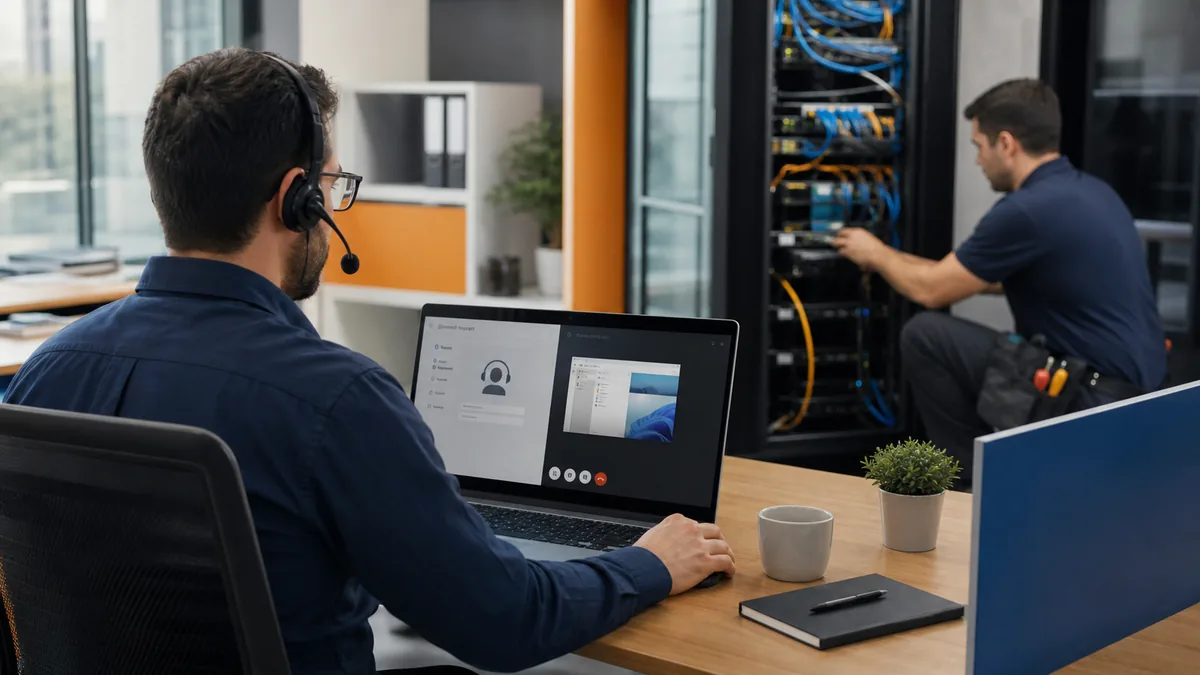
An office move is not finished when computers arrive. Internet circuits, cabling, Wi-Fi, phones, cloud access, security, printers, conference rooms, vendors, and user support must work together on the first operating day.
The best time to find a missing cable, unavailable circuit, blocked equipment room, or incompatible phone requirement is while the floor plan and construction schedule can still change.
Bring the IT lead into the project when the site, lease, floor plan, and contractor scope are being reviewed—not after walls close or furniture is ordered.
1. Define the operating target
Document what the new location must support:
- Number of employees, guests, shared workstations, and remote workers.
- Private offices, open work areas, reception, conference rooms, training, warehouse, clinical, or specialty spaces.
- Computers, monitors, phones, printers, scanners, displays, cameras, access control, time clocks, and connected equipment.
- Cloud applications, on-site servers, file storage, VPNs, and vendor systems.
- Video meetings, large transfers, voice traffic, and other bandwidth-sensitive work.
- Planned headcount, device, or suite expansion.
- Required opening date and acceptable outage window.
Assign one owner for the overall technology scope and named owners for construction, internet, network, phones, applications, vendors, security, and user readiness.
2. Survey the site before final design
Verify rather than assume. Inspect:
- Internet service availability, demarcation point, and provider pathways.
- Existing cabling type, labels, test results, ownership, and condition.
- Equipment-room size, cooling, grounding, power, access, and flood or leak exposure.
- Pathways above ceilings, through walls, between floors, and to exterior service points.
- Electrical capacity, outlet placement, UPS needs, and generator support where applicable.
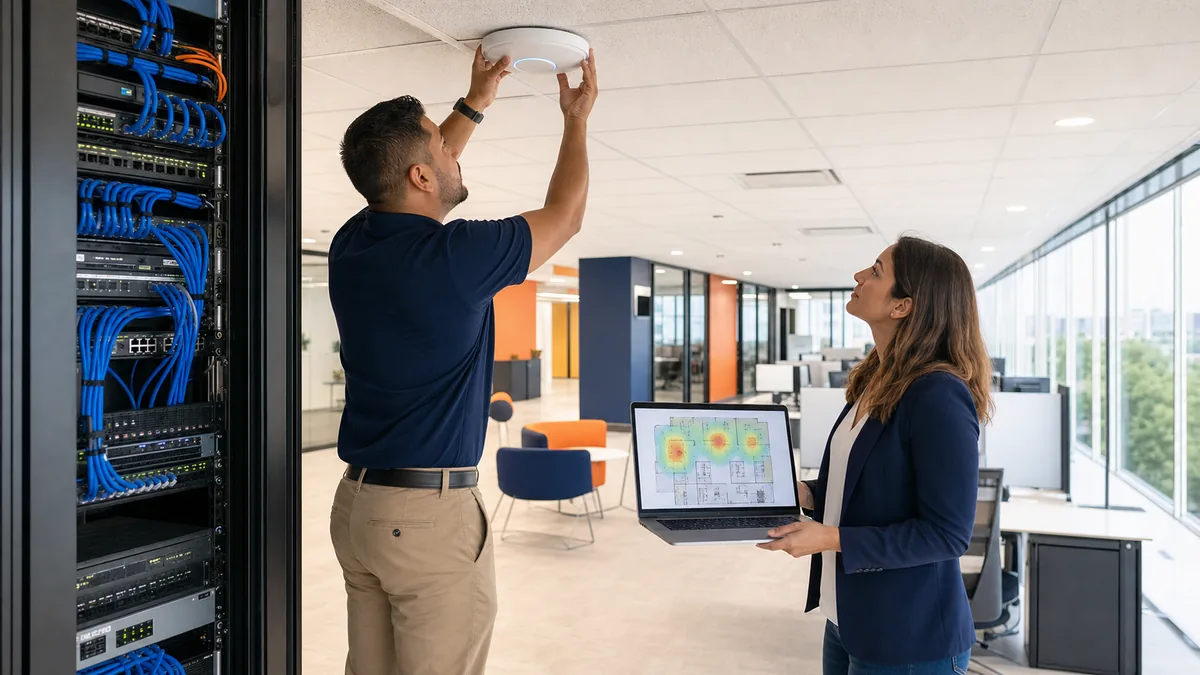
- Wireless obstacles, neighboring networks, dense meeting areas, and outdoor coverage.
- Building rules for contractors, after-hours access, roof work, drilling, or risers.
- Fire, life-safety, accessibility, and landlord requirements that affect installation.
Coordinate low-voltage, electrical, furniture, audiovisual, security, and general-contractor work. Separate assumptions in proposals often become change orders during installation.
3. Order internet service early
Provider availability at the address does not mean service can be installed immediately. Construction, permits, building access, equipment, or a new pathway can extend lead time.
Confirm:
- Provider, circuit type, bandwidth, term, installation cost, and service-level terms.
- Demarcation point and responsibility for extending service to the network room.
- Static IP, handoff, modem or router, and firewall requirements.
- Installation, activation, and testing dates.
- Cancellation or transition plan for the old location.
- Failover option and whether it uses a genuinely separate path or carrier.
Keep the old connection active through cutover when the operating plan requires fallback. Avoid scheduling cancellation based only on the first installation appointment.
Houston storms, construction damage, and provider outages make connectivity resilience an operating decision. A secondary circuit or cellular failover can reduce downtime, but test automatic failover and confirm that critical applications, VPNs, phones, and inbound services still work.
4. Turn the floor plan into a cabling schedule
Mark every workstation, phone, printer, wireless access point, camera, badge reader, display, conference-room device, equipment rack, and specialty system. Plan labeled home-run cabling, patch panels, rack capacity, cable management, and spare drops where growth is likely.
Use wired connections for fixed, high-bandwidth, latency-sensitive, or infrastructure devices when practical. Wireless access points typically perform more predictably with wired backhaul than with improvised mesh links.
Require test results and accurate labels. Preserve an as-built floor plan, port schedule, rack diagram, cable certification, and photos before ceilings and furniture hide the work.
5. Design the network around trust boundaries
Do not reproduce an old flat network simply because it was familiar. Separate systems according to business and security needs, which may include:
- Managed employee devices.
- Servers and infrastructure management.
- Guest wireless.
- Cameras, access control, displays, and other connected devices.
- Voice or specialty systems where required.
- Vendor-managed or high-risk equipment.
Use a supported business firewall, managed switches, secure wireless configuration, documented remote access, and least-privilege administration. CISA guidance recommends MFA for remote and privileged access, prompt updating, protected backups, and deliberate control of service-provider connections.
Guest access should not expose internal systems. Change default credentials, disable unneeded services, protect administrative interfaces, and document who can make network changes.
6. Plan phones, rooms, and office systems as workflows
Phones may depend on internet quality, power, switches, number porting, emergency-location configuration, and provider timing. Confirm the main number, direct numbers, call queues, voicemail, after-hours routing, fax dependencies, headsets, conference devices, and cutover sequence.
Test conference rooms from the user's perspective: join a meeting, share content, use the camera and microphone, connect a guest device, and obtain support. Do the same for printing, scanning, shipping, access control, cameras, alarms, and reception workflows.
Coordinate address changes for licensing, emergency services, vendors, websites, maps, invoices, signatures, and customer communications.
7. Prepare devices, identities, and applications
Use the move to clean up inventory and ownership. Decide what will move, be replaced, be securely disposed of, or remain temporarily at the old site.
Before cutover:
- Patch and back up critical systems.
- Confirm administrator access and recovery information.
- Verify encryption and asset records for transported devices.
- Review user, vendor, VPN, and remote-support access.
- Update network-dependent applications, allowlists, DNS, and integrations.
- Test cloud access from the new public address when relevant.
- Protect equipment during transport and document chain of custody for sensitive assets.
Do not transport unidentified drives, abandoned computers, or loose backup media without a recorded decision.
8. Build a cutover and rollback runbook
Write the sequence by time, owner, dependency, validation step, and escalation contact. Include:
- Final backup and configuration export.
- Old-site shutdown and labeling.
- Secure transport and equipment check-in.
- Rack, firewall, switching, wireless, and server activation.
- Internet, VPN, phone, application, and vendor testing.
- Pilot-user validation.
- Broader workstation and workflow testing.
- Leadership go/no-go decision.
- Rollback or alternate-operation criteria.
- Opening-day support coverage.
Maintain an issue log and priority definitions. Decide which defects prevent opening and which can be handled after launch.
9. Test a full business day before declaring success
Validate more than connectivity:
- Users sign in with the correct permissions and MFA.
- Email, files, cloud applications, and printing work.
- Phones route inbound, outbound, transferred, queued, and emergency calls correctly.
- Wired and wireless coverage works under realistic load.
- Guest and connected-device networks cannot reach restricted resources.
- Remote workers and vendors use approved access paths.
- Backups, monitoring, security alerts, and logs operate from the new location.
- Conference rooms, scanners, specialty equipment, and customer-facing workflows work.
- Documentation, warranties, contacts, and configurations are stored securely.
Schedule a post-move review after users have worked in the space. Wireless behavior, noise, meeting-room workflow, printer demand, and missing ports often become clearer under normal occupancy.
Houston office move IT checklist
- IT participates in site and floor-plan review.
- Internet installation and fallback dates are confirmed.
- Cabling, power, rack, cooling, and pathways have accountable owners.
- The network design separates users, guests, infrastructure, and connected devices appropriately.
- Phones, rooms, security, printers, and specialty systems are included.
- Devices, administrators, vendors, and remote access are inventoried.
- Cutover, validation, escalation, and rollback steps are documented.
- Critical workflows are tested before opening.
- As-built documentation and support ownership are complete.
- A post-move review captures remaining issues.
Authoritative references
- CISA: Cyber Essentials
- CISA: Guidance for MSPs and Small and Mid-sized Businesses
- CISA: Guide to Securing Networks for Wi-Fi
- CISA: Require Multifactor Authentication
This checklist is educational. Confirm construction, electrical, building, life-safety, accessibility, insurance, vendor, and legal requirements with the appropriate professionals.
Related resources
Business Wi-Fi and Network Setup
Learn More about Business Wi-Fi and Network Setup
Business Backup and Disaster Recovery
Learn More about Business Backup and Disaster Recovery