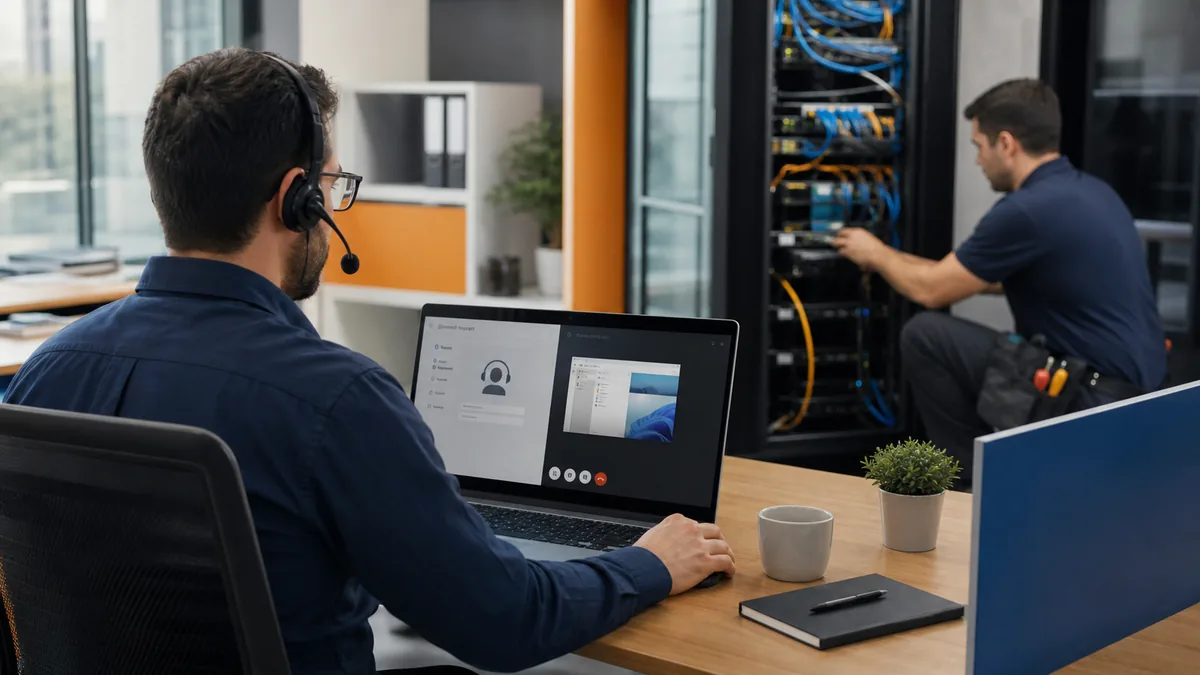
Businesses sometimes treat remote and on-site IT support as competing options. In practice, the strongest support model uses both. Remote access can reduce travel delay, let a technician inspect symptoms while they are happening, and resolve many account, software, cloud, and configuration issues. On-site service supplies the physical access needed for equipment, cabling, power, installations, and failures that disconnect systems from remote tools.
The right starting point depends on impact, safety, connectivity, security, and whether the technician can gather reliable evidence remotely. A clear intake and escalation process matters more than sending someone to the office for every ticket.
Problems commonly handled through remote IT support
- Password, sign-in, MFA, and account-access problems.
- Microsoft 365 email, Teams, OneDrive, SharePoint, licensing, and permission issues.
- Windows and application troubleshooting when the computer remains reachable.
- Software installation, updates, configuration, and user guidance.
- Endpoint alerts, patch status, security-tool checks, and log review.
- Printer configuration when the printer and network are functioning.
- VPN configuration and troubleshooting when internet access still works.
- Cloud-service, vendor, backup, and administrative support.
Remote does not mean informal. The provider should authenticate the request, use approved tools, protect privileged access, record actions, and remove temporary access when it is no longer needed.
Problems that often require on-site support
- Failed switches, firewalls, wireless access points, servers, power supplies, or storage devices.
- Damaged, disconnected, unlabeled, or untested cabling.
- Internet outages that prevent remote access and require carrier coordination at the handoff.
- New computer, network, phone, camera, display, or specialized device installation.
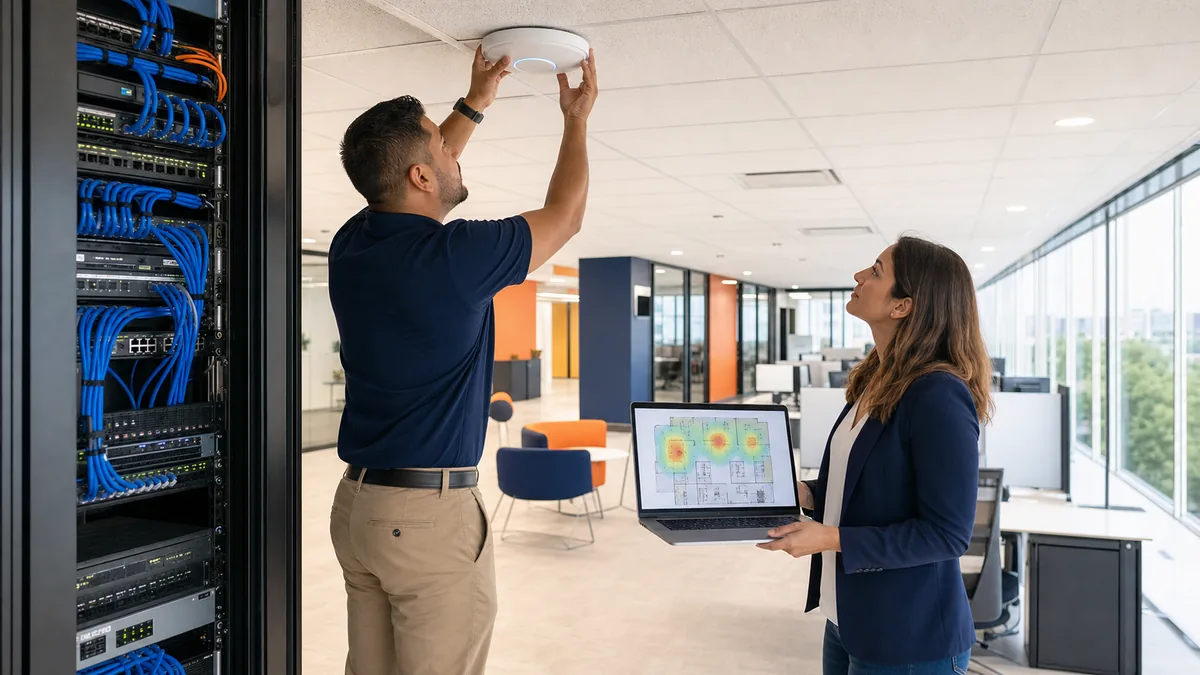
- Wireless surveys, physical coverage problems, interference, and access-point placement.
- Office moves, buildouts, equipment inventories, and rack cleanup.
- Issues requiring safe physical inspection, replacement, or vendor access.
How good triage avoids wasted time
The support desk should identify who is affected, what changed, the business impact, error messages, device and location, connectivity status, recent troubleshooting, and any safety or security concern. The technician can then choose remote work, vendor escalation, an on-site dispatch, or a planned project.
For an internet outage, for example, remote monitoring might show that a firewall is offline. A local contact can confirm power while the provider checks the carrier. If power and carrier service are present but the device cannot be reached, an on-site visit becomes the next logical step.
Secure remote support is a business requirement
The FTC advises small businesses to control vendor access, use secure remote connections, require multifactor authentication for sensitive access, keep devices updated, and avoid granting remote access to unexpected callers. A legitimate provider should be able to explain how requests are verified, which tools are used, how sessions are protected, and where activity is recorded.
- Never approve an unexpected remote session from a caller or pop-up.
- Use named technician accounts rather than shared credentials.
- Limit privileges and session duration to the work being performed.
- Require strong authentication for administrative access.
- Review persistent unattended access and remove obsolete agents.
- Document vendor access requirements in contracts.
Build a blended support model
A useful agreement defines normal support hours, service area, remote tools, on-site scheduling, priority definitions, travel treatment, covered equipment, local contact expectations, vendor escalation, project boundaries, and after-hours handling. It should also distinguish response from resolution.
Odyssey provides business IT support in Greater Houston and remote help for compatible systems beyond the metro. Standard business hours are Monday through Friday, 7:00 a.m. to 5:00 p.m. Central Time. Exact coverage and on-site dependencies are confirmed during discovery.
How your business can prepare for faster support
- Maintain a current inventory of users, devices, network gear, applications, vendors, and locations.
- Label equipment and cabling so local hands can follow remote instructions safely.
- Keep administrative ownership, warranties, circuit details, and vendor contacts documented.
- Define who may approve access, changes, purchases, and emergency work.
- Teach employees the official path for requesting help and identifying support scams.
- Review recurring issues that should become permanent fixes or projects.
Research sources
- FTC: Cybersecurity for Small Business, including Secure Remote Access
- FTC: Secure Remote Access fact sheet
Remote capability depends on connectivity, approved tools, security requirements, equipment condition, and the task. On-site availability depends on location, scope, and scheduling.
Related resources