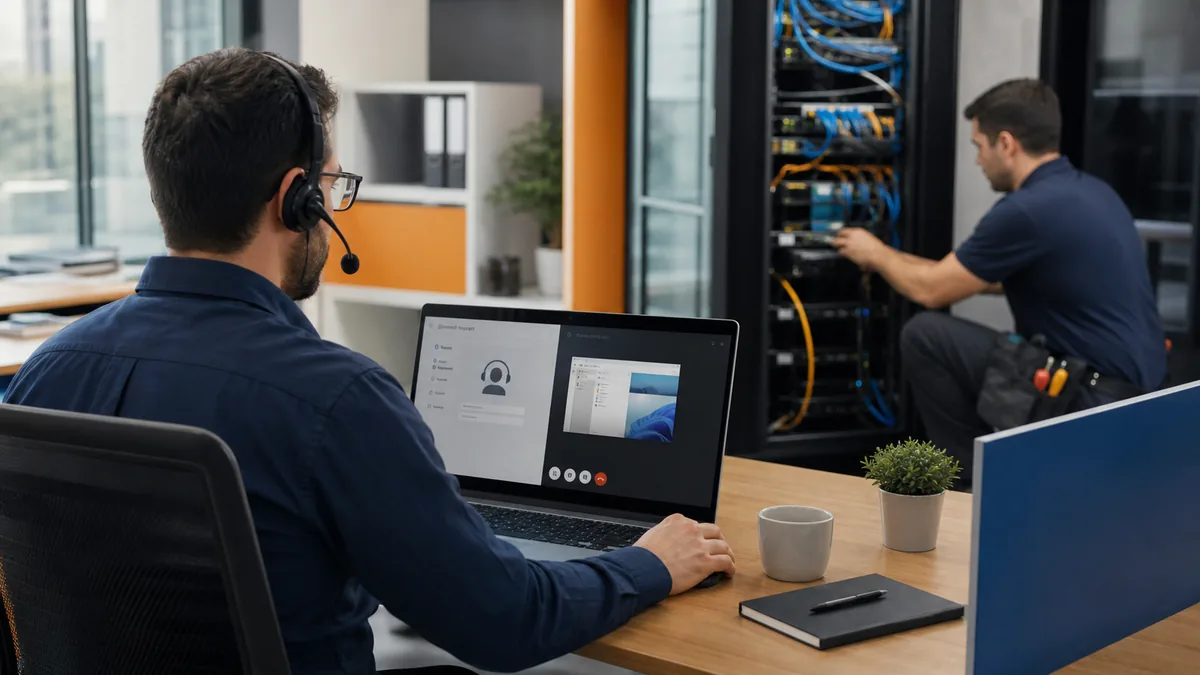
Business Wi-Fi problems are often blamed on the access point nearest the frustrated user. The real cause may be a delayed internet circuit, poor access-point placement, insufficient cabling, interference, overloaded channels, consumer-grade routing, weak power protection, unmanaged switches, incorrect roaming, or an application that needs different network treatment.
A new office, relocation, expansion, or repeated wireless complaint is an opportunity to design the complete path from internet provider to firewall, switch, cable, access point, device, and business application. The checklist below helps leadership, construction teams, cabling vendors, and IT coordinate that work.
1. Translate business work into network requirements
List users, computers, phones, printers, cameras, conference rooms, point-of-sale systems, operational devices, guest access, remote connections, cloud applications, local servers, and expected growth. Identify which workflows fail when connectivity is slow and which devices must remain isolated.
2. Order internet service early
Availability, construction, permits, and installation dates vary by address. Confirm the service type, handoff location, public IP needs, modem or provider equipment, contract term, and support process. If downtime has serious consequences, evaluate a second circuit or cellular failover and test how traffic actually moves during failure.
3. Design structured cabling before walls close
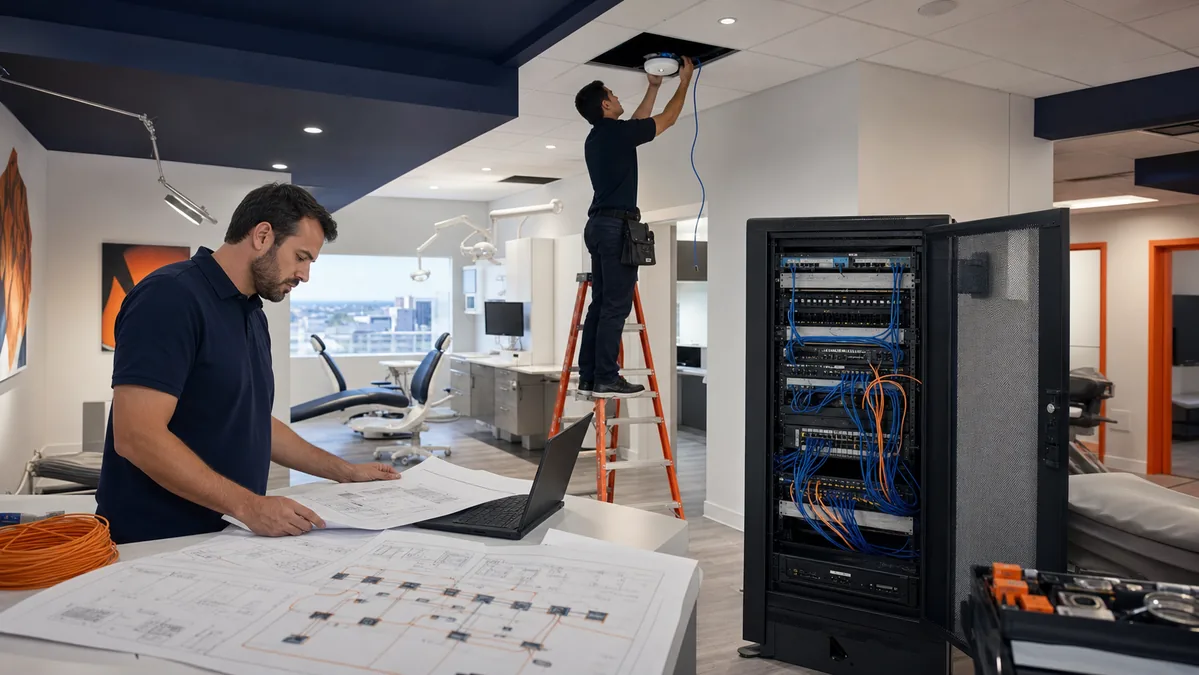
Plan drops for desks, phones, printers, cameras, access points, conference rooms, building systems, reception, displays, and future growth. Confirm cable category, pathway, fire-code requirements, labeling, testing, patch panels, rack location, grounding, and separation from electrical interference. A certified cable test result is more useful than knowing only that a link light turned on.
4. Design Wi-Fi around coverage and capacity
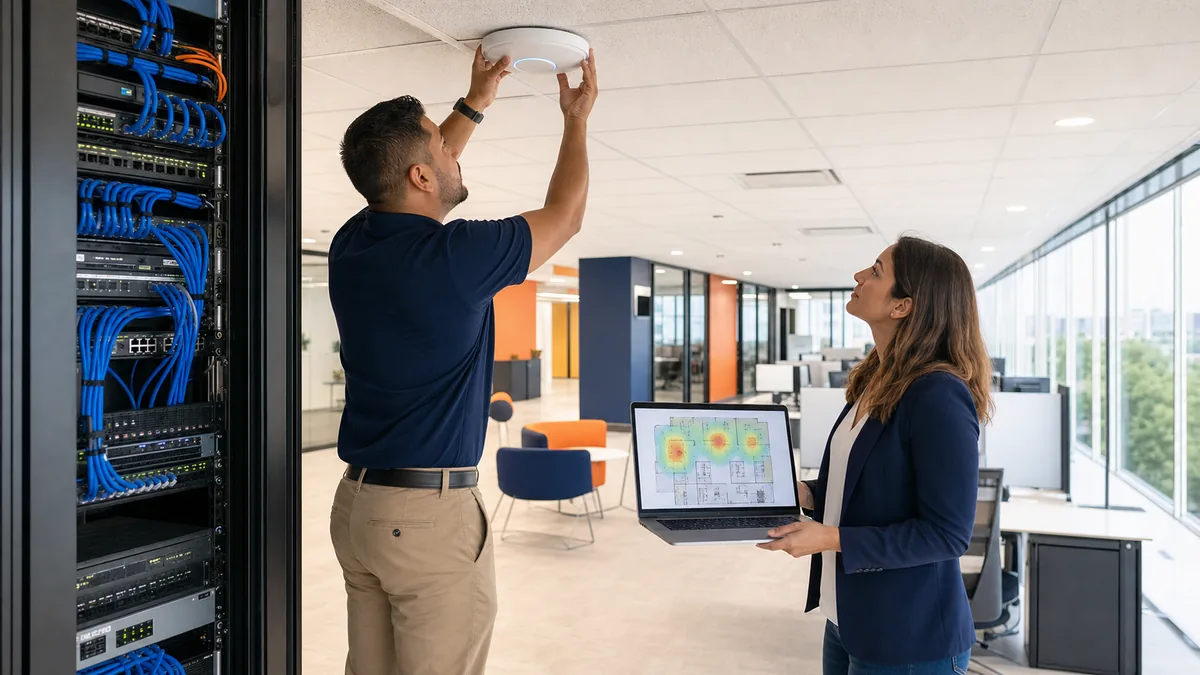
Access points should be placed according to the floor plan, wall materials, ceiling height, neighboring signals, user density, device types, and roaming needs. More access points are not always better; excessive overlap and poor channel planning can create new problems. A predictive design should be validated after furniture and equipment are present.
5. Separate business, guest, and device traffic
The FTC recommends keeping guest access separate from the primary business network. Organizations may also need separate network segments for cameras, building devices, point-of-sale systems, specialized equipment, servers, or management interfaces. Segmentation should be supported by documented firewall rules—not just different Wi-Fi names.
6. Secure administration and wireless access
- Change vendor-default credentials and protect management interfaces.
- Use currently supported encryption and authentication appropriate to the devices.
- Restrict administration to approved accounts and networks.
- Keep firewall, switch, and access-point software maintained.
- Disable unused services and review remote-management exposure.
- Document vendor access and require secure remote connections.
7. Right-size firewall, switches, and access points
Equipment should be sized for internet speed, security inspection, VPN usage, port count, Power over Ethernet requirements, wireless standards, client density, logging, support lifecycle, and growth. A firewall advertised for a certain throughput may perform differently once security features and VPN traffic are enabled.
8. Protect network equipment from power events
Identify rack power, dedicated circuits, UPS capacity, runtime expectations, surge protection, cooling, and safe shutdown behavior. The internet circuit is not useful if the firewall and switches turn off during a brief interruption. Test alerts and battery condition rather than assuming the UPS is healthy.
9. Plan secure remote and site-to-site access
Define who needs remote access, which systems they may reach, what device and authentication requirements apply, and how access is removed. For multiple locations, document site-to-site VPN dependencies, overlapping IP ranges, failover behavior, and application latency. A VPN is one control within a secure remote-access design, not the entire design.
10. Test business workflows—not only speed
Validate wired and wireless connectivity, internet performance, roaming, voice and video, printers, cloud applications, file access, VPNs, guest isolation, failover, coverage at room edges, and operation during peak demand. Record expected results and resolve defects before opening day or cutover.
11. Document the network and assign ownership
Keep a current floor plan, cable schedule, rack layout, device inventory, configuration backups, IP and VLAN plan, circuit details, vendor contacts, warranties, licensing, administrative ownership, and recovery steps. Store sensitive records securely and ensure the business can access them if a provider relationship changes.
12. Monitor after launch
Track internet availability, device health, software versions, access-point load, connection failures, VPN status, switch capacity, power alerts, configuration changes, and recurring support reports. Adjust based on real usage instead of treating the installation as finished forever.
Odyssey provides Houston business IT support, custom VPN setups, mesh and managed Wi-Fi planning, office technology projects, and ongoing network support. Scope and vendor responsibilities are confirmed before work begins.
Research sources
- FTC: Small Business Cybersecurity and Network Guidance
- CISA: Small and Medium-Sized Business Resources
Network design depends on the building, users, applications, equipment, regulations, and local requirements. A site assessment may be necessary.
Related resources