The cheapest time to correct a dental-office technology problem is before walls close, cabinetry arrives, and equipment is installed. A complete IT plan connects the construction schedule to clinical workflows, vendor requirements, security, recovery, and opening-day testing.
1. Translate the floor plan into requirements
List operatories, front desk, consultation rooms, imaging areas, sterilization, labs, offices, training rooms, waiting areas, and network or server spaces. For each area, document workstations, displays, imaging or clinical devices, phones, printers, scanners, payment terminals, wireless needs, power, and required vendor connections.
2. Design structured cabling and power
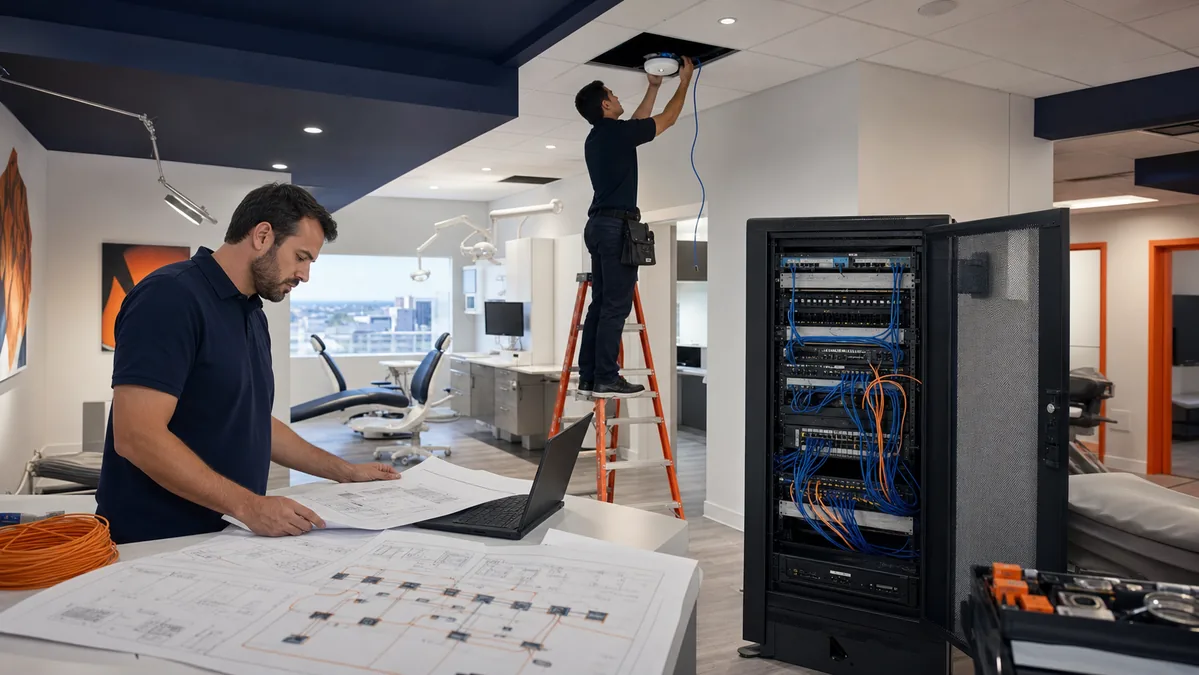
Plan labeled home-run cabling, patch panels, rack space, switching, firewall, internet handoff, UPS capacity, grounding, cooling, and protected physical access. Add spare drops where expansion is likely. Coordinate cable pathways and installation timing with the general contractor and equipment vendors, then certify and document every run.
3. Build secure wired, Wi-Fi, mesh, and VPN services
Use managed business networking sized for the floor plan and device density. A mesh network can help in certain layouts, but wired access-point backhaul is usually more predictable when construction permits. Survey wireless coverage after equipment and walls are in place.
Separate clinical and business systems, infrastructure, guest access, and unmanaged or connected devices according to risk and vendor needs. Custom VPNs should use strong encryption, named accounts, least privilege, multifactor authentication where supported, logging, and documented access removal. Never expose practice databases or remote desktop directly to the internet.
4. Prepare core systems and software
Decide whether the practice-management and imaging systems require an on-site server, hosted service, cloud platform, or hybrid design. Confirm current requirements with each vendor. Prepare workstations, accounts, Microsoft 365, email domains, phones, printers, scanners, claims and eligibility, payments, online scheduling, analytics, and required integrations.
For Open Dental or Eaglesoft environments, build time for installation, database or conversion coordination, imaging bridges, test data, permissions, and vendor validation. Product licensing and vendor-specific implementation remain with the software company; the IT plan must connect those activities.
5. Install imaging and operatory technology
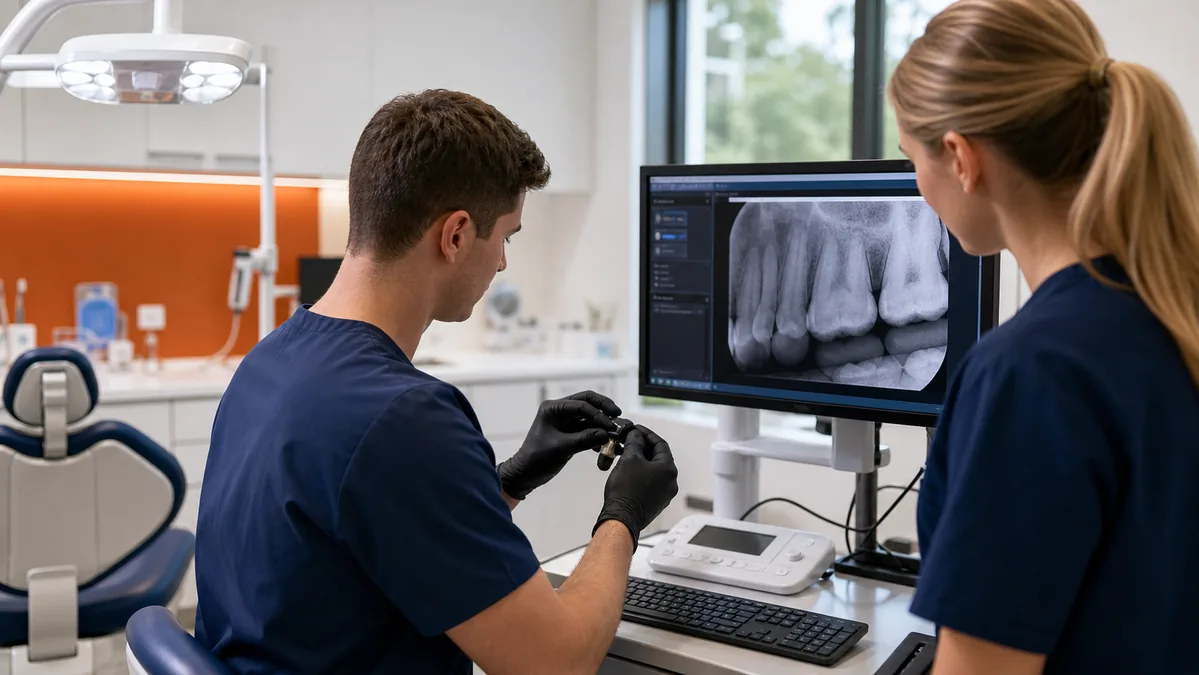
Map sensors, cameras, scanners, panoramic or CBCT systems, acquisition software, drivers, and operatories. Validate the full path from patient selection through capture, storage, retrieval, and practice-management access. Keep manufacturer support available during testing and preserve an equipment inventory with serials, warranties, and assigned locations.
6. Establish security, backup, and RMM before go-live
Configure unique user accounts, role-based access, MFA where supported, device encryption, endpoint protection, patching, email security, network logging, secure remote support, backup monitoring, and alert response. Remote monitoring systems should use approved tools, protected administrative accounts, and a documented process for investigation and escalation.
Define recovery priorities for scheduling, patient records, imaging, phones, and payments. Protect backups from the same credentials and systems they protect, and test restoration before the opening date.
7. Run an opening-day simulation
- Internet, phones, wired networks, wireless, and failover operate as designed.
- Every staff role can sign in and access only what it needs.
- Scheduling, charting, imaging, claims, payments, printing, scanning, and communications work.
- Backups complete, alerts reach the correct owner, and a sample restore succeeds.
- Vendor and IT escalation contacts are documented.
- Downtime procedures are available to staff.
- Network diagrams, asset inventory, licenses, warranties, and credentials are stored securely.
Authoritative security references
- HHS: Networking computers that contain ePHI
- CISA: Ransomware Guide
- CISA: Remote Monitoring and Management Cyber Defense Plan
This checklist is educational. Confirm construction, electrical, clinical, vendor, insurance, privacy, and legal requirements with the appropriate professionals.
Related resources