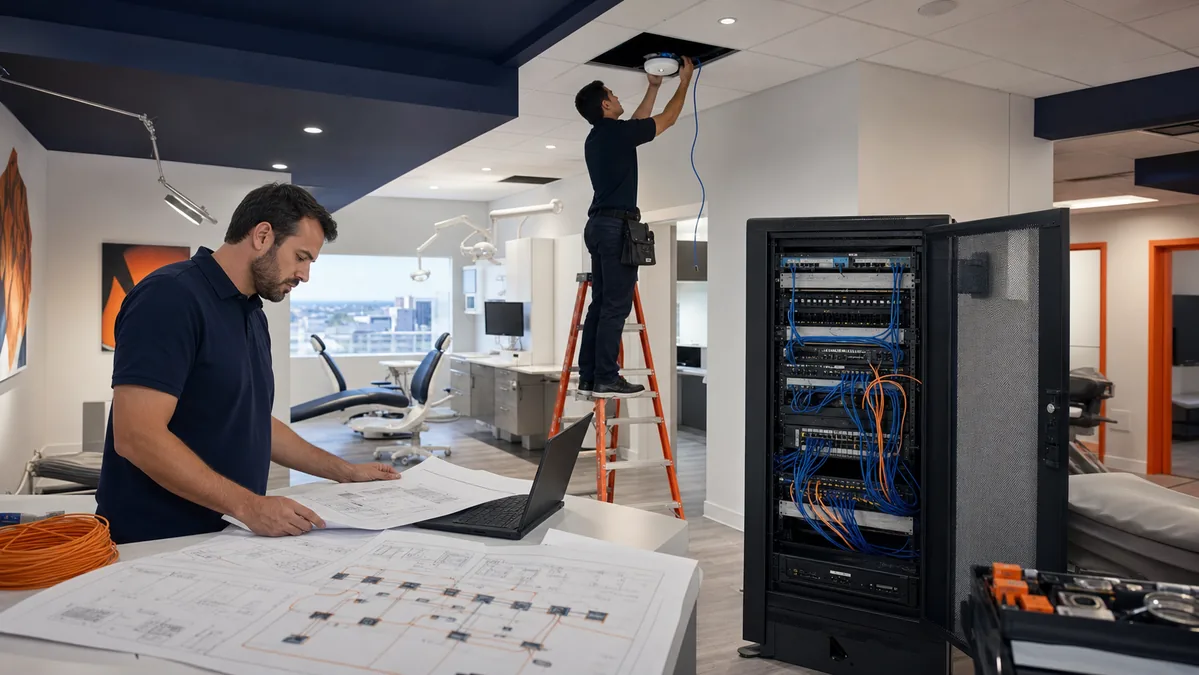
A new or expanding dental office needs more than an internet connection and a Wi-Fi password. The network must support workstations, imaging devices, practice-management software, phones, payment terminals, printers, cameras, and vendor access. Build the plan around the workflow first, then test every dependency before patients arrive.
Choose internet and firewall capacity
Confirm the carrier, handoff location, service-level terms, static IP needs, failover options, and installation date. Imaging uploads, cloud applications, VoIP, video, and remote support all compete for capacity. A firewall should be sized for the connection and configured to separate trusted systems from guest and unmanaged devices.
Plan cabling before the walls close
- Place data drops where workstations, phones, access points, cameras, and clinical devices will actually sit.
- Label both ends of every cable and keep a current patch-panel map.
- Separate network, power, and specialty equipment requirements with the builder and vendors.
- Test each run and document the result before furniture and equipment block access.
Design Wi-Fi for the clinical workflow
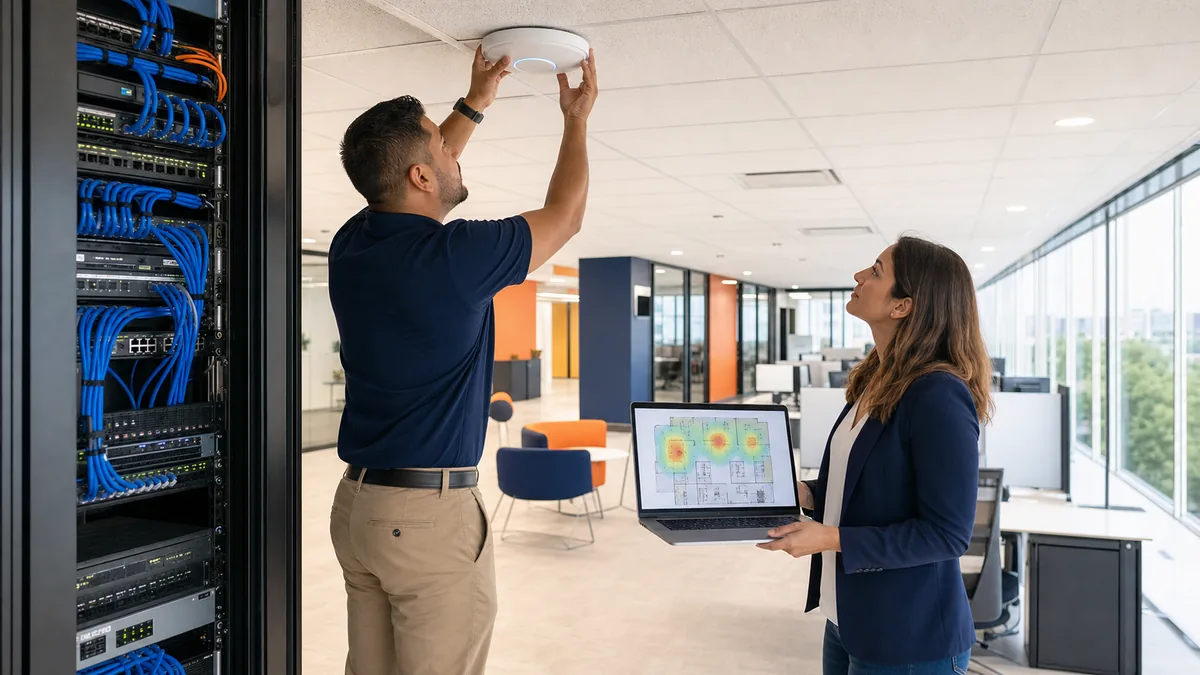
Access-point count and placement should follow wall materials, room layout, device density, and roaming needs. Create separate networks for staff, guests, management, and devices where the equipment and security plan support it. Test coverage in operatories, waiting areas, offices, imaging rooms, and any location where a tablet or wireless device will be used.
Check software and imaging dependencies
Ask each vendor for supported operating systems, ports, bridge requirements, server or cloud dependencies, backup expectations, and upgrade windows. Test the complete path, including a workstation opening the practice-management system, capturing an image, sending it to the chart, printing, taking payment, and communicating with the front desk. A server-only test is not enough.
Build security and recovery into the setup
Use named accounts, multifactor authentication, least-privilege access, supported software, encrypted backups, and documented vendor access. Confirm how the practice will work during an internet, server, imaging, phone, or payment outage. Do not describe a setup as HIPAA compliant based on a checklist alone. HIPAA responsibilities depend on the organization, systems, safeguards, policies, and evidence.
Test before opening day
- Verify internet failover or the documented carrier escalation path.
- Test wired and wireless coverage in every working area.
- Validate practice software, imaging, printing, phones, payments, and scanning.
- Confirm user accounts, MFA, permissions, vendor access, and administrator ownership.
- Run a backup and recovery test that proves what can be restored.
- Give staff a short outage procedure and a single support contact.
Odyssey provides dental IT support in Greater Houston for office technology planning, vendor coordination, network troubleshooting, and ongoing support. Exact scope, timing, and on-site requirements are confirmed during discovery.
Planning note
Every practice is different. Confirm compatibility, licensing, cabling, carrier, imaging, payment, and vendor requirements with the manufacturers and providers involved.
Related resources