Employee onboarding and workforce training often live in separate places. A manager tracks tasks in email, HR keeps a spreadsheet, IT prepares accounts, and training records sit in another system. When someone asks what is complete, the answer takes too long to assemble.
Odyssey People Operations and Odyssey HIPAA Training were built to make that work easier to see and easier to follow. One app organizes the employee workflow. The other guides the learner through training and produces a completion record.
Odyssey People Operations
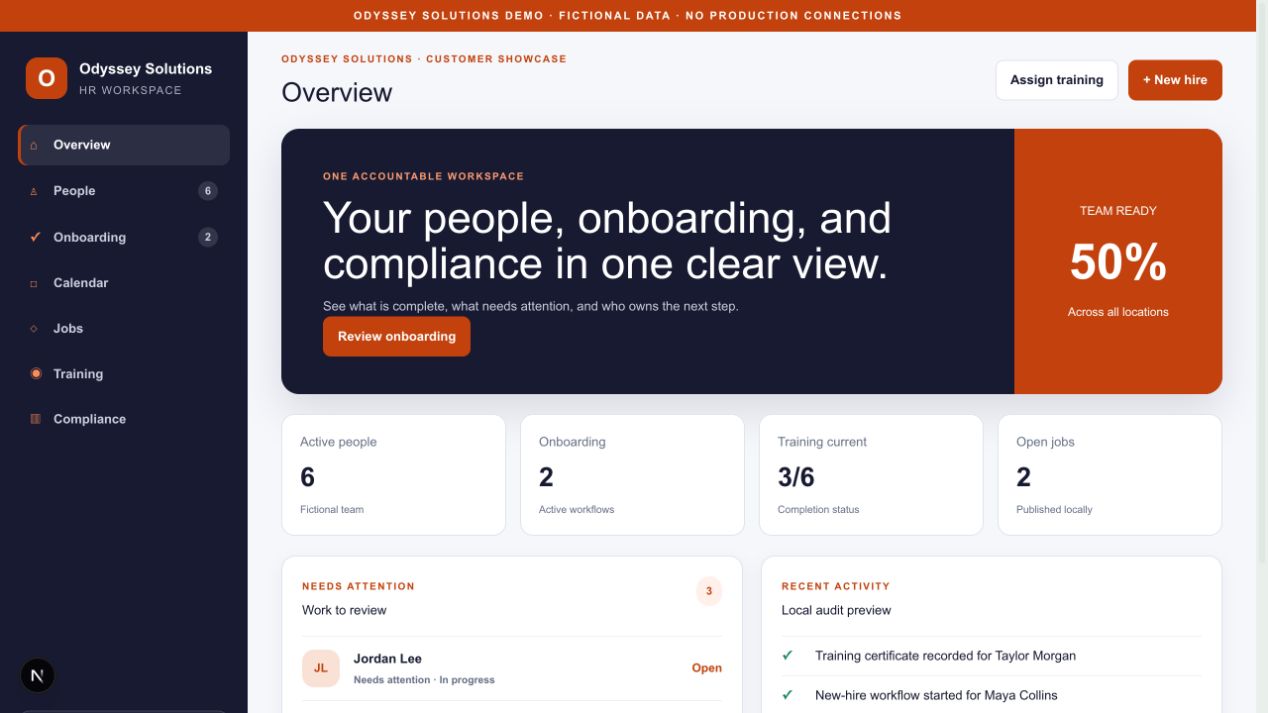
The People Operations workspace brings employee records and daily follow-up into one view. Teams can organize new-hire details, onboarding checklists, documents, requests, notes, calendar events, open roles, training assignments, and compliance status.
- Searchable employee profiles
- Onboarding checklists with visible progress
- Documents, acknowledgements, requests, and notes
- Calendar events and job postings
- Training status, follow-up, and CSV exports
Odyssey HIPAA Training
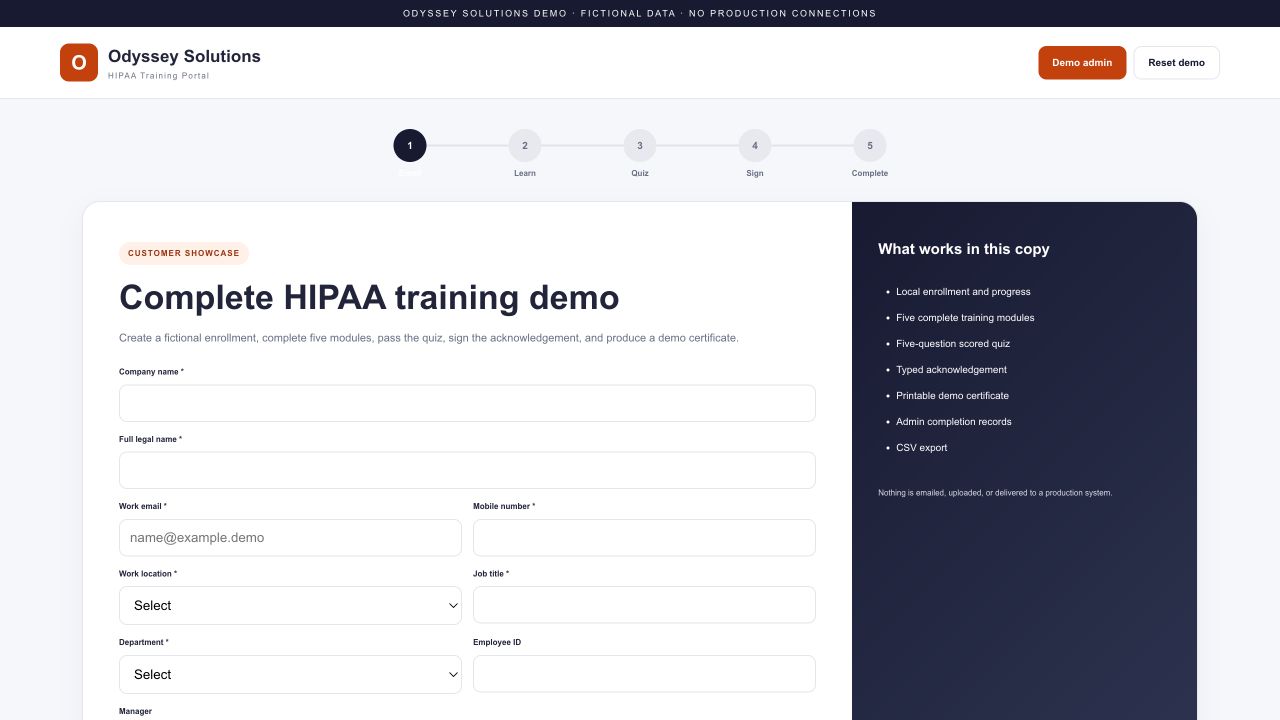
The training portal gives each learner a clear path from enrollment through completion. The current demonstration includes five practical modules, a scored knowledge check, a typed acknowledgement, a certificate, and an administrator completion register.
- Company and learner enrollment
- Five short privacy and security modules
- Five-question quiz with an 80% passing score
- Acknowledgement and demonstration certificate
- Completion records and CSV export
How the two apps work together
- Create the employee workflow. Record the role, location, manager, start date, and onboarding tasks.
- Assign required training. Give the learner a clear due date and course path.
- Complete the course. The learner reviews the modules, passes the quiz, and signs the acknowledgement.
- Review the record. Managers can see completion status and identify follow-up work.
What we cover in a demo
The walkthrough starts with your current process. We can focus on onboarding tasks, role and location differences, document handling, training assignments, learner steps, completion evidence, reporting, and desired integrations.
The demonstration is intentionally isolated from production services. Before a production rollout, Odyssey reviews security boundaries, identity, data retention, integrations, support ownership, and the changes required for the organization’s environment.
Training supports a broader program
Workforce training is useful evidence and an important safeguard, but no course or software product guarantees HIPAA compliance. Organizations still need appropriate policies, risk analysis, technical and physical safeguards, incident procedures, supervision, documentation, and legal guidance when needed.
Learn more on the People + Compliance product page, or review Odyssey’s HIPAA guidance services.
Related resources